You can access report configurations that other members of the same Portal for ArcGIS and ArcGIS for organizations account have shared with you.
- Log in to the Roadway Reporter application using your Portal for ArcGIS or ArcGIS Online account.
- Go to the Reports page and click the Shared Reports button
 .
.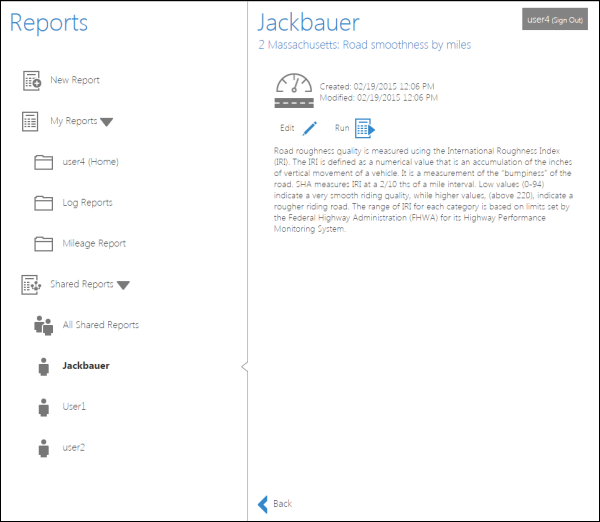
Accessing the report configurations shared by others The Shared Reports section
contains report configurations others have shared with you. - Choose a saved report configuration.
- If you click the All Shared Reports
 button, all the reports others have shared with you are listed.
 - The individual users who have shared reports with you are listed below All Shared Reports. If you click an individual's User button
 , all the reports that user has shared with you are listed.
 - You can either edit or run the report configuration that is shared by others.
- If you click the All Shared Reports