Disponible avec une licence Data Reviewer.
There can be times when you want to run checks on your data based on multiple conditions, such as features that have relationships with two or more feature classes. However, if you create separate checks for each condition, you may not necessarily return the results you need.
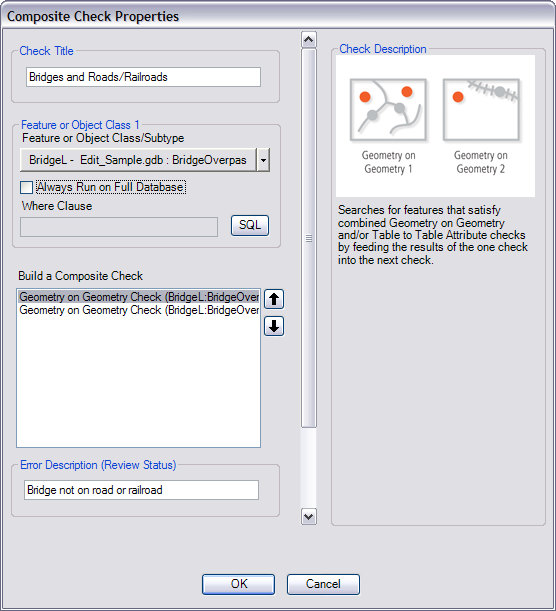
An example would be finding bridges that are not on top of roads or railroads. If you create a Geometry on Geometry check that finds all bridges that are not intersecting roads, some of the check results could be intersecting railroads. If you create a second Geometry on Geometry check that finds all bridges that do not intersect railroads, some of the check results could be intersecting roads. Therefore, you need to compare the bridges against roads and railroads within one check.
With a composite check, you can check for multiple conditions at once that are based on the same features. In other words, it is a single check that can search for multiple conditions in a single feature class or group of features from a single feature class.
The types of relationships you can find using a composite check are spatial relationships between geometries and relationships between feature attributes and table attributes. The Geometry on Geometry check allows you to find a variety of spatial relationships between features, while the Table to Table Attribute check allows you to compare attribute values for features to table field values.
One example would be finding bridges that are not on top of roads or railroads. The first check in the composite check searches for bridges that do not overlap roads, and the second check searches the results of the first check for bridges that do not overlap railroads. Features that would count as results in this check would include bridges that are not near any transportation features or that are beneath a road or railroad feature.