The address management tools are used to collect and manage address block ranges, site addresses, and related mailing address data. They can be used by planning, public safety, or land records organizations to streamline the collection, maintenance, and use of authoritative address information.
The Esri Roads and Highways address management tools support the ArcGIS for Local Government data model.
Address management tools
Esri Roads and Highways provides the following address management tools.
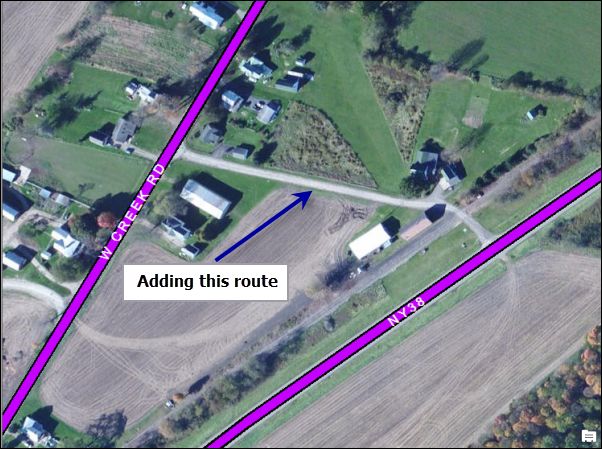
Create Route
You can add a new route in the system using the Create Route button  on the Roads And Highways Editing toolbar available with desktop. For more information, see Creating a new route.
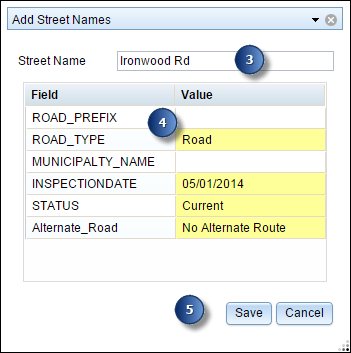
Add Street Names
You can add a new street name and related attributes to your master street table using the Add Street Names widget. For more information, see Adding street names.
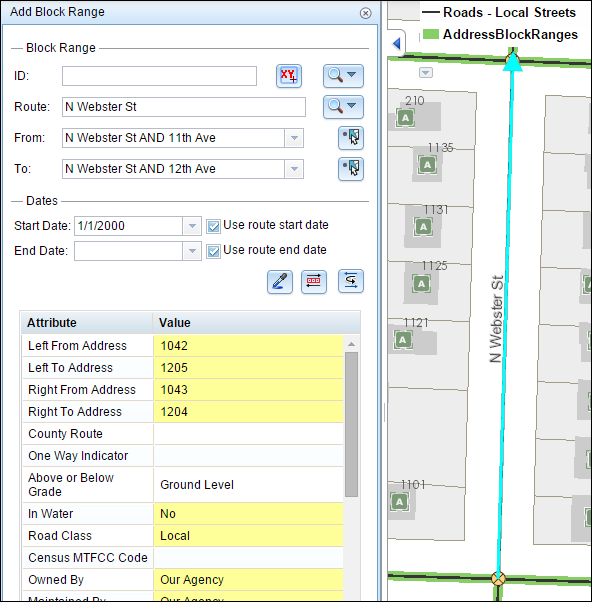
Add or Edit Block Range
You can add a new block range or edit the existing block range using the Add Block Range widget. For more information, see Adding block ranges.
Add Site Address widget
You can add the site address points where block ranges are present, as well as where block ranges are not present, using the Add Site Address widget. For more information, see Adding site addresses.
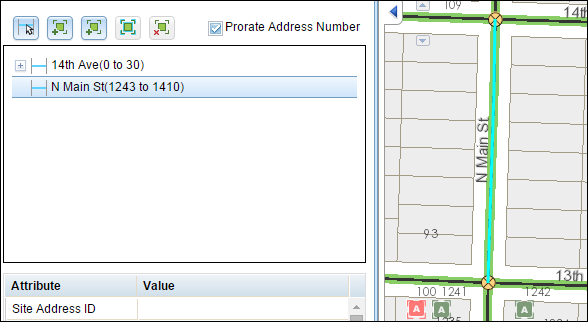
Edit site address points
You can modify the attributes of site address points or the location of site address points using the event table. For more information, see Editing events in the selection table.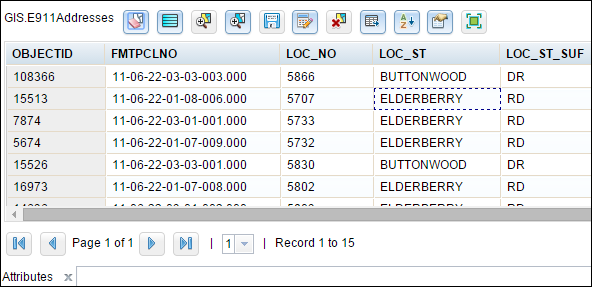
Requirements
- ArcGIS for Desktop along with Esri Roads and Highways for Desktop is needed to manage the centerlines and editing routes.
- ArcGIS for Server along with Esri Roads and Highways for Server is needed to publish a linear referencing-enabled map service to consume it in the Roadway Characteristics Editor.
- Your existing address management data in the Esri Roads and Highways schema. For more information, see Preparing data for address management.
- You need to deploy the Roadway Characteristics Editor application. The address management widgets are located in this web application. For more information, see Roadway Characteristics deployment guide.
- Configure the address management widgets in the Roadway characteristics Editor. For more information, see Configuring the address management widgets.